PCIe 5.0 vs PCIe 4.0: Does It Matter for Gaming?
 Tayyab Rehman
6 min read
Tayyab Rehman
6 min read
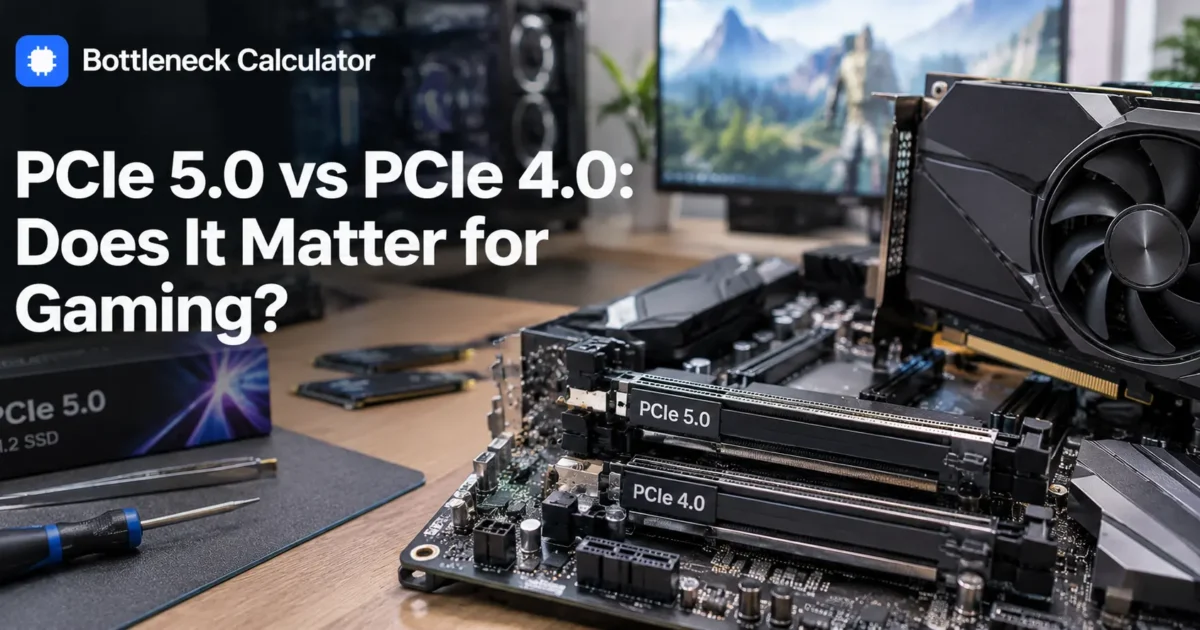
Your motherboard lists PCIe 4.0. The graphics card you want says PCIe 5.0. The forum thread you found insists you will lose performance.
You will lose roughly 2 percent. Possibly less.
PCIe generations are among the most overthought specifications in PC building. The standard doubles bandwidth every generation, which sounds enormous, except that graphics cards have never come close to saturating the bandwidth they already had.
There is one genuine exception though, and it catches budget builders rather than enthusiasts. Some cheaper cards ship with only eight lanes wired instead of sixteen, and on an older board that combination does cost real performance.
This guide covers where the generation genuinely matters, where it does not, and the lane count detail most buying guides omit.
You will finish knowing whether your board generation costs you anything, and whether paying more for a PCIe 5.0 motherboard is justified for your build.
I cover the real performance difference for graphics cards, why storage is the genuine use case, the lane count trap on budget cards, and when a PCIe 5.0 board is worth the premium.
My position. For gaming, PCIe generation is close to irrelevant on full sixteen lane cards. Buy the board that suits your budget and ignore the generation unless you are fitting a cut down card to an older system.
Not covered here: server workloads and multi card setups. Behaviour described reflects hardware available in September 2026.
What is the difference between PCIe 5.0 and PCIe 4.0?
PCIe 5.0 doubles the bandwidth of PCIe 4.0, which itself doubled PCIe 3.0. A sixteen lane PCIe 4.0 slot provides roughly 32 gigabytes per second, while PCIe 5.0 provides around 64. Every generation is backward and forward compatible, so any card works in any slot.
Look at the two right hand columns. The generation transforms storage speed and barely touches gaming, which is the opposite of how most people weigh it.
Does PCIe 5.0 matter for gaming?
Barely. A current graphics card in a PCIe 4.0 slot typically loses 1 to 3 percent compared with PCIe 5.0, which is within normal run to run variance. Even PCIe 3.0 costs only 2 to 5 percent on a full sixteen lane card.
The reason is simple. Graphics cards hold their working data in their own memory and rarely need to move much across the slot during play.
Which means the bandwidth sits largely unused. Doubling something you are not using changes nothing.
When does PCIe generation actually cost you performance?
When the card has fewer than sixteen lanes wired. Several budget cards ship with eight or even four lanes. On a PCIe 3.0 board an eight lane card has only half the already reduced bandwidth, and losses can reach 10 to 25 percent in demanding titles.
This is the detail that genuinely matters and the one nobody mentions. It affects exactly the people least able to absorb it.
Check the lane count in the card specification before buying if your board is PCIe 3.0. Full sixteen lane cards are fine on any generation.
Running out of video memory makes this far worse, because the card then has to fetch across the slot constantly. Our guide on how much video memory you need covers why the two problems compound.
Does PCIe 5.0 matter for SSDs?
Far more than for graphics cards. PCIe 5.0 drives reach around 14,000 megabytes per second against 7,400 for PCIe 4.0. Whether you notice depends entirely on your workload, since game loading is rarely limited by sequential read speed.
For gaming the difference between a good PCIe 3.0 drive and a PCIe 5.0 one is usually a second or two in loading screens.
For large file transfers, video editing and professional work the gap is genuine and worth paying for.
PCIe 5.0 drives also run hot and frequently need a heatsink, which is a practical consideration people discover after buying.
Is a PCIe 5.0 motherboard worth the extra cost?
For a pure gaming build, usually not. The premium over a PCIe 4.0 board buys you 1 to 3 percent in games and faster storage you may never saturate. That money does considerably more good spent on the graphics card itself.
The argument for it is longevity rather than performance. A PCIe 5.0 board will accept future hardware without a slot limitation.
Whether that matters depends on how long you keep boards. Our motherboard guide works through which chipset tier actually earns its price.
Can you use a PCIe 5.0 card in a PCIe 4.0 slot?
Yes, with no compatibility problem at all. PCIe is backward compatible and forward compatible by design, so the connection simply negotiates down to the slower standard. The card works normally and you lose only the small percentage described above.
The same applies in reverse. A PCIe 3.0 card runs perfectly in a PCIe 5.0 slot at its own speed.
No adapters, no settings, nothing to configure. This is one of the few things in PC building that genuinely just works.
How do you check which PCIe generation you have?
Use GPU-Z, which reports both the slot capability and the current link speed. Alternatively check your motherboard specification page. The current link figure matters most, since cards drop to a lower state at idle and only rise under load.
- Download and open GPU-Z, which is free.
- Find the Bus Interface line on the main tab.
- Click the render test button beside it to load the card.
- Read the current link speed while the test runs.
- Compare the lane count against the card specification.
If it reports x8 when you expected x16, check whether a second drive or expansion card is sharing lanes with your graphics slot.
What mistakes do people make about PCIe generations?
They pay a premium for PCIe 5.0 boards expecting gaming gains, they ignore lane counts on budget cards where it genuinely matters, and they fit a second drive that silently halves their graphics slot lanes.
That third one catches people out after a build works fine for months. Adding a drive to the wrong slot can drop your card to eight lanes.
Check your motherboard manual for which slots share lanes before adding storage. The diagram is usually buried but it is always there.
Price the full build in our PC builder so board generation sits in context against the parts that actually move frame rates.
Frequently asked questions
Does PCIe 5.0 matter for gaming?
Barely. A current graphics card in a PCIe 4.0 slot typically loses 1 to 3 percent against PCIe 5.0, which is within normal variance. Cards hold their working data in their own memory and rarely saturate the slot during play.
Can I use a PCIe 5.0 GPU in a PCIe 4.0 slot?
Yes, with no compatibility issue. PCIe is backward and forward compatible by design, so the link negotiates down to the slower standard automatically. The card works normally and you lose only a small percentage.
What is the difference between PCIe 4.0 and 5.0?
PCIe 5.0 doubles the bandwidth of PCIe 4.0. A sixteen lane 4.0 slot offers roughly 32 gigabytes per second against about 64 for 5.0. The difference transforms storage speed while barely affecting gaming.
When does PCIe generation actually matter?
When a card has fewer than sixteen lanes wired. Some budget cards ship with eight or four lanes, and on a PCIe 3.0 board that combination can cost 10 to 25 percent in demanding titles.
Is a PCIe 5.0 SSD worth it?
For large file transfers and creative work, yes, since they reach around 14,000 megabytes per second against 7,400 for PCIe 4.0. For gaming the difference is usually a second or two in loading screens.
Should I pay more for a PCIe 5.0 motherboard?
For a pure gaming build, usually not. The premium buys 1 to 3 percent in games plus storage speed you may never saturate. That money does more good spent on the graphics card itself.
How do I check my PCIe version?
Use GPU-Z and read the Bus Interface line, then click the render test to load the card and see the current link speed. Cards drop to a lower state at idle, so the loaded figure is the meaningful one.
Why is my GPU running at x8 instead of x16?
Usually a second drive or expansion card sharing lanes with the graphics slot. Check your motherboard manual for which slots share bandwidth, since adding storage to the wrong one can halve your card lanes.
Does PCIe 3.0 bottleneck modern graphics cards?
Only slightly on full sixteen lane cards, usually 2 to 5 percent. It becomes a real problem on cards wired for eight lanes, and worse again if the card is also running short on VRAM.
Do PCIe 5.0 SSDs need a heatsink?
Generally yes. They run considerably hotter than PCIe 4.0 drives and will throttle without adequate cooling. Many motherboards include a heatsink for the primary slot, which is worth checking before buying.
Where this leaves you
For gaming on a full sixteen lane card, the generation is noise. One to three percent is not a reason to choose a board.
The exception is worth remembering though. Budget cards with eight lanes on older boards do lose real performance, and that is the one case where the specification deserves your attention.
My prediction is that this stays irrelevant for graphics cards for several more generations. Card memory keeps growing, which reduces how much data crosses the slot rather than increasing it.
Where to begin is to check your card lane count rather than its PCIe generation. That is the number that can actually cost you something.
What does GPU-Z report for your bus interface under load?
Related reading
Best Motherboard for Ryzen 7 9800X3D (You Need Less Than You Think)
You just spent 450 dollars on the fastest gaming processor made. Now you are staring at forty motherboards between 130 and 700 dollars, and every one of them…
Read more about Best Motherboard for Ryzen 7 9800X3D (You Need Less Than You Think)