How Many Watts Does My PC Use? Real Numbers

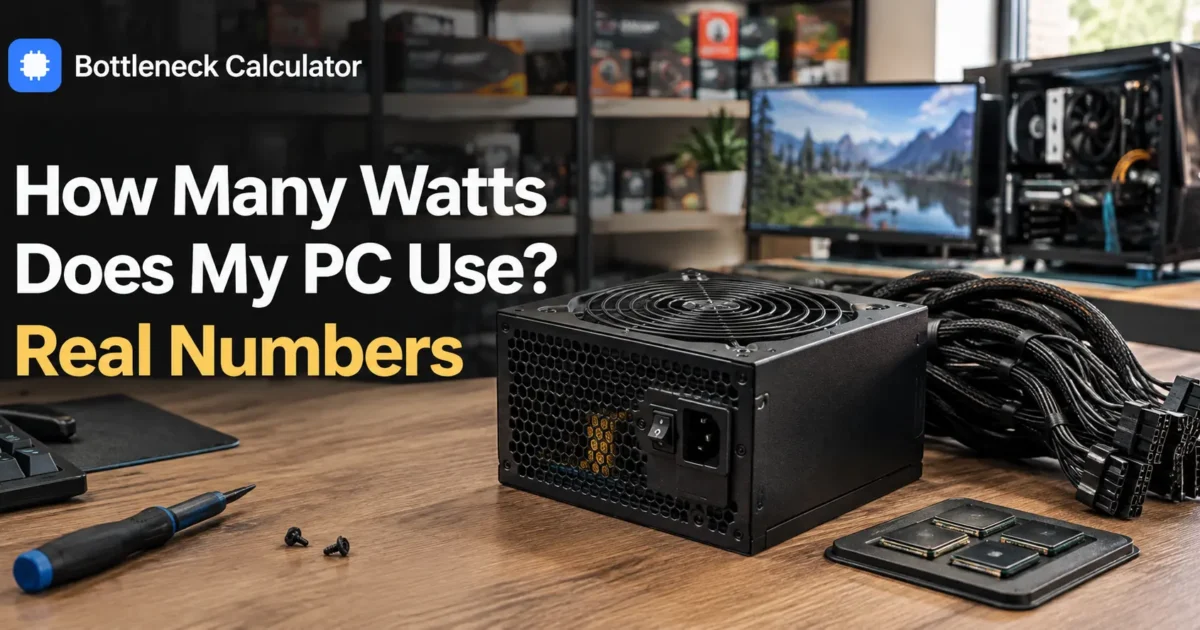
Your electricity bill went up and you are wondering whether the gaming PC is the culprit. Or you are buying a power supply and the card box says 650 watts recommended, which tells you nothing about your actual machine.
Here is the number most people get wrong in both directions. A typical gaming PC draws between 300 and 500 watts while playing, not the 850 printed on the supply and not the 1200 some people imagine.
The wattage on your power supply is its maximum capacity, not its consumption. An 850 watt unit in a machine drawing 400 watts pulls 400 watts, exactly like a 500 watt unit would.
That single misunderstanding causes both unnecessary spending on oversized supplies and genuine anxiety about running costs that usually turn out to be modest.
This guide shows you how to work out your real draw, what it costs to run, and how to size a supply properly.
You will finish knowing your machine’s actual consumption, what it costs per hour and per year, and whether your supply is correctly sized.
I cover typical draw by component, how to measure it properly, the difference between rated and actual wattage, running cost maths, and why transient spikes matter more than averages when sizing a supply.
One thing worth saying early. Most people massively overbuy power supplies, partly because card manufacturers quote conservative recommendations that assume a worst case system around the card.
What this skips: mining rigs, servers and solar setups. Energy pricing varies enormously by country, so treat cost figures as a method rather than a quote.
How many watts does a gaming PC use?
A typical gaming PC draws 300 to 500 watts while playing, 60 to 120 watts at idle, and 50 to 100 watts browsing. High end builds with a flagship card and processor can reach 650 to 800 watts under heavy load, though sustained draw that high is uncommon in games.
| Build type | Idle | Gaming | Peak |
|---|---|---|---|
| Office, integrated graphics | 30 to 50W | 60 to 90W | 120W |
| Entry gaming | 50 to 70W | 200 to 280W | 350W |
| Mid range gaming | 60 to 90W | 300 to 420W | 500W |
| High end gaming | 80 to 120W | 450 to 600W | 750W |
| Flagship build | 100 to 140W | 600 to 800W | 1000W |
Note the gap between gaming and peak. That difference is why headroom matters, and it is the part most sizing advice glosses over.
Which components use the most power?
The graphics card dominates, typically accounting for 50 to 70 percent of your total draw under load. The processor is second at 65 to 170 watts depending on tier. Everything else combined, including drives, fans, memory and the motherboard, rarely exceeds 60 watts.
- Graphics card. 150 to 450W, by far the largest share.
- Processor. 65 to 170W depending on tier and load.
- Motherboard. 25 to 50W including onboard components.
- Drives. 2 to 8W each, negligible in practice.
- Fans and lighting. 1 to 5W each, genuinely trivial.
Total your own components properly with our power supply calculator, which accounts for your exact parts rather than a generic estimate.
How do you measure your PC power consumption?
A plug in energy monitor between the wall socket and your PC gives the most accurate figure, usually costing 15 to 25 dollars. Software readings from monitoring tools report component draw only, which misses supply inefficiency and everything not on the main rails.
- Plug an energy monitor into the wall, then your PC into it.
- Record the idle figure after five minutes at the desktop.
- Play a demanding game for twenty minutes.
- Record the sustained figure during actual gameplay.
- Note the peak reading, which is what your supply must absorb.
Measure at the wall rather than in software if you care about running costs, because the wall figure includes conversion losses you actually pay for.
What does it cost to run a gaming PC?
Multiply your draw in kilowatts by hours used by your electricity rate. A 400 watt machine running four hours a day at 30 cents per kilowatt hour costs roughly 14 dollars a month. Gaming PCs are rarely the largest item on a household bill.
Work it yourself. Divide watts by 1000 to get kilowatts, multiply by hours, multiply by your rate per kilowatt hour.
A 400 watt draw is 0.4 kilowatts. Four hours gives 1.6 kilowatt hours per day, which is around 48 per month.
Idle time matters more than people think. A machine left on continuously at 80 watts costs more over a month than a few hours of gaming each evening.
Does a bigger power supply use more electricity?
No. A power supply delivers only what the components request. An 850 watt unit in a machine drawing 400 watts consumes 400 watts plus conversion losses, exactly as a 600 watt unit would. The rating is a ceiling, not a consumption figure.
Efficiency does vary with load though. Most supplies are most efficient around 50 percent of their rating, so a wildly oversized unit runs slightly less efficiently at idle.
That difference is small in money terms. Buy for headroom and connectors rather than worrying about efficiency curves.
How much headroom should a power supply have?
Leave 20 to 30 percent above your measured gaming draw. Modern graphics cards produce brief spikes well above their rated figure, lasting only milliseconds but enough to trip protection on a supply running near its limit. Those spikes cause shutdowns that look exactly like a faulty card.
This is the real argument for headroom, and it has nothing to do with sustained consumption.
A machine drawing 400 watts in games is comfortable on a quality 650 watt supply. It is not comfortable on a 450 watt one regardless of the arithmetic.
Our guide to reading a psu tier list covers how to judge whether a specific unit handles those spikes properly.
How do you reduce your PC power consumption?
Cap your frame rate, enable sleep settings, and undervolt your graphics card. A frame rate cap is the most effective single change, since a card rendering 240 frames when your monitor shows 144 is burning power for nothing you can see.
Capping frames to your refresh rate often cuts card draw by 20 to 30 percent in lighter titles, with no visible difference at all.
Sleep settings handle the idle problem. A machine idling at 80 watts overnight wastes more than most people realise.
What mistakes do people make with PC power draw?
They read the supply rating as consumption, they trust the wattage printed on a graphics card box without accounting for the rest of the system, and they oversize dramatically believing it adds safety. None of those three improve anything.
The card box figure is the trap. It describes a recommended total system supply, which assumes a particular processor and build around it.
Work from your own components instead, and check the whole build in our PC builder so the power budget is planned rather than guessed.
Frequently asked questions
How many watts does my PC use?
A typical gaming PC draws 300 to 500 watts while playing and 60 to 120 watts at idle. High end builds reach 650 to 800 watts under heavy load. Office machines with integrated graphics usually sit between 60 and 90 watts.
How do I measure my PC power consumption?
Use a plug in energy monitor between the wall socket and your PC, typically 15 to 25 dollars. Software readings report component draw only and miss supply conversion losses, so the wall figure is what you actually pay for.
Does a higher wattage PSU use more electricity?
No. A supply delivers only what components request, so an 850 watt unit in a machine drawing 400 watts consumes 400 watts. The rating is a maximum capacity, not a consumption figure.
How much does it cost to run a gaming PC?
Multiply watts divided by 1000 by hours used by your rate per kilowatt hour. A 400 watt machine running four hours daily at 30 cents comes to roughly 14 dollars a month, which is rarely a large household expense.
What uses the most power in a PC?
The graphics card, typically 50 to 70 percent of total draw under load at 150 to 450 watts. The processor is second at 65 to 170 watts. Drives, fans, memory and the board together rarely exceed 60 watts.
How much PSU headroom do I need?
Leave 20 to 30 percent above your measured gaming draw. Modern cards produce brief spikes well above their rated figure, lasting milliseconds but enough to trip protection on a supply running near its limit.
Why does my PC shut down while gaming?
Often an undersized or failing power supply tripping on transient spikes. The symptom looks exactly like a faulty graphics card. Total your real draw and check you have proper headroom before replacing any component.
How can I reduce my PC power usage?
Cap your frame rate to your monitor refresh rate, which often cuts card draw 20 to 30 percent with no visible difference. Then enable sleep settings and consider undervolting the graphics card.
Is the wattage on my graphics card box accurate?
It is a conservative recommendation for a whole system, not the card draw alone. Manufacturers assume a worst case build around the card, which is why people routinely buy supplies far larger than they need.
Your machine almost certainly draws less than you feared and less than the supply label suggests. Three to five hundred watts while gaming covers the vast majority of builds.
So measure at the wall rather than guessing, size your supply for peak spikes rather than average draw, and cap your frame rate if the bill genuinely matters.
My prediction is that transient spikes keep driving supply recommendations upward even as efficiency improves. The headline wattage figures will look worse than the real consumption.
What to do now is to total your actual components rather than reading the figure on a card box.
What does your machine pull at the wall, and what supply are you running?
Related reading
Best PSU for RTX 5090: Why Wattage Alone Is Not Enough
A reader messaged me in October. His machine shut down mid game, every time, about twenty minutes in. He had a 1000 watt power supply and an RTX…
Read more about Best PSU for RTX 5090: Why Wattage Alone Is Not Enough
PSU Tier List 2026: How to Read One Without Getting It Wrong
Three of the most cited power supply tier lists put the same unit in three different tiers. That is not a mistake by any of them. They are…
Read more about PSU Tier List 2026: How to Read One Without Getting It Wrong