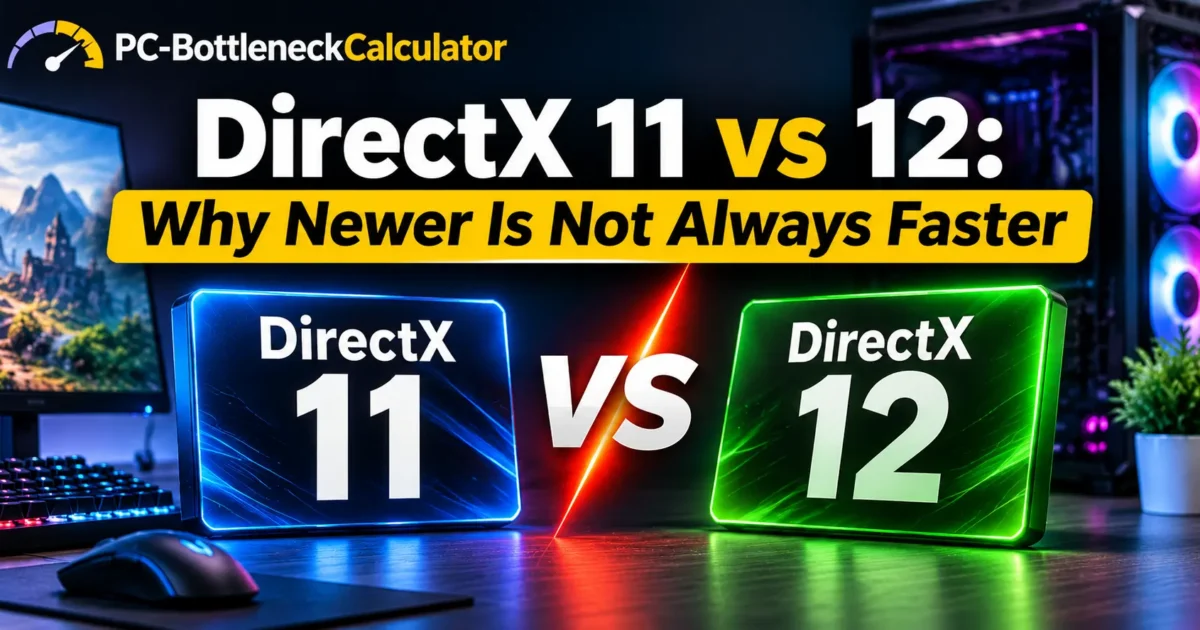
DirectX 11 vs 12: Why Newer Is Not Always Faster

The dx12 vs dx11 question arrives the moment a game launches. One is older. One is newer. Obviously pick the newer one.
Except in a surprising number of titles, DirectX 11 runs better, feels smoother, and crashes less.
Here is what that launcher prompt is really asking. DirectX 12 moves responsibility for managing the graphics card from the driver to the game developer. When a studio does that work well, you get better processor efficiency and higher frame rates. When they do it badly, you get stutter the older path would have avoided.
So the answer depends almost entirely on the specific game rather than on which number is larger.
This guide explains what actually changed, when each option wins, and how to test it yourself in about five minutes.
What matters here
You will finish knowing which API to choose per game, why the newer one sometimes loses, and how to test both quickly rather than guessing.
I cover the technical difference in plain language, which hardware benefits most, the stutter problem, ray tracing requirements, and a five minute test that settles it for any title.
My position. Default to DirectX 12 on a modern multi core processor, but test both and trust your own 1 percent lows over any general rule. A newer API is not automatically a better one.
Not covered here: Vulkan comparisons and development detail. Behaviour described reflects Windows 11 and current drivers as of September 2026.
What is the difference between DirectX 11 and 12?
DirectX 11 lets the graphics driver manage work submission automatically, which is reliable but mostly single threaded. DirectX 12 hands that control to the game, allowing work to spread across multiple processor cores. The gain depends entirely on how well the developer implemented it.
The bottom three rows settle it for a lot of people. If you want ray tracing or frame generation, the choice is made for you.
Is DirectX 12 better than DirectX 11?
Usually but not always. On a modern six or eight core processor, DX12 typically returns 5 to 20 percent more frames in well implemented titles. In poorly implemented ones it can produce shader compilation stutter that makes the game feel worse despite a higher average frame rate.
That gap between average frame rate and how a game feels is the whole story here.
Judge by 1 percent lows rather than the average. Our guide on checking GPU usage while gaming covers how to display that figure.
Which hardware benefits most from DX12?
Processors with six or more cores gain the most, since DX12 exists to spread work across them. Quad core chips often perform the same or worse, because the overhead of managing that distribution outweighs the benefit when there are few cores to use.
AMD cards historically gained more from DX12 than NVIDIA cards, because NVIDIA drivers were unusually good at squeezing performance from the older path.
That gap has narrowed considerably, but it still shows up in older titles.
Why does DirectX 12 sometimes stutter?
Shader compilation. Under DX12 the game compiles shaders rather than the driver, and if a studio does not pre-compile them properly you get a hitch every time a new effect appears. That is why some games stutter on first playthrough and smooth out later.
The signature is distinctive. Brief freezes when entering new areas or seeing new effects, rather than a consistently lower frame rate.
Some games offer a shader pre-compilation step at first launch. Let it finish rather than skipping it.
If a game stutters badly under DX12, switching to DX11 is a legitimate fix rather than a downgrade.
Do you need DirectX 12 for ray tracing?
Yes, and for frame generation too. Ray tracing is built on DirectX Raytracing, which exists only under DX12. If a game offers ray tracing and you have selected DX11, the option will be unavailable regardless of how capable your graphics card is.
This catches people out often. They assume their card is unsupported when the real cause is an API selection at the launcher.
Frame generation also needs hardware scheduling enabled, which our guide on hardware-accelerated GPU scheduling covers.
How do you test which one is faster?
Play the same demanding five minutes of the same area under each API with an overlay running, and compare 1 percent lows rather than averages. Restart the game between tests so shader caches do not distort the second run.
- Enable an overlay showing frame rate and 1 percent lows.
- Launch in DX12 and play a busy area for five minutes.
- Record average and 1 percent low figures.
- Restart the game, switch to DX11, repeat the same area.
- Compare the lows. The higher figure is the better choice.
Do this once per game that offers the choice. The answer genuinely varies by title.
Does your choice affect bottlenecks?
Yes. DX12 spreads work across cores, which often relieves a processor bottleneck on a multi core chip. If a calculator or overlay tells you your processor is the limit, switching a game to DX12 is a free thing to try before spending anything.
On a quad core chip the opposite can apply, and DX11 may be the kinder option.
Check where your own limit sits with our bottleneck calculator, then read our guide on fixing a processor bottleneck for the other free options.
What mistakes do people make choosing an API?
They assume the higher number is always better, they judge by average frame rate while ignoring stutter, and they skip shader pre-compilation at first launch then blame the API for the hitching it causes.
The average frame rate trap is the most common. A game can post a higher average under DX12 and feel considerably worse.
Test per game, judge by lows, and change your answer when a patch changes the implementation.
Frequently asked questions
Is DX12 better than DX11?
Usually but not always. On a modern six or eight core processor DX12 typically returns 5 to 20 percent more frames in well implemented titles. In poorly implemented ones it can cause shader stutter that makes the game feel worse.
What is the difference between DirectX 11 and 12?
DirectX 11 lets the driver manage work submission automatically, which is reliable but mostly single threaded. DirectX 12 hands that control to the game so work can spread across cores, which helps only when implemented well.
Should I use DX11 or DX12?
Default to DX12 on a six core or better processor, then test both in your specific game and compare 1 percent lows. The right answer genuinely varies by title, so trust your own measurements over any general rule.
Why does DirectX 12 stutter?
Shader compilation. Under DX12 the game compiles shaders rather than the driver, so poor pre-compilation causes a hitch whenever a new effect appears. Let any shader pre-compilation step finish at first launch.
Do I need DirectX 12 for ray tracing?
Yes, and for frame generation too. Ray tracing is built on DirectX Raytracing which exists only under DX12. If you select DX11 the option disappears regardless of how capable your graphics card is.
Does DirectX 12 use more CPU cores?
Yes, that is its main purpose. It spreads work across multiple cores instead of relying mostly on one. Processors with six or more cores gain the most, while quad core chips often see no benefit or slightly worse results.
Does DX12 help with a CPU bottleneck?
Often yes on a multi core processor, since spreading work across cores relieves pressure on the one that was saturated. It is a free thing to try before spending money on hardware.
How do I test DX11 against DX12?
Play the same five minutes of the same area under each with an overlay running, restarting between tests so shader caches do not distort results. Compare 1 percent lows rather than averages, since lows reflect stutter.
Is DirectX 12 better for AMD or NVIDIA?
Historically AMD gained more, because NVIDIA drivers were unusually efficient under the older path. That gap has narrowed considerably on current hardware, though it still appears in some older titles.
Can I switch between DirectX versions?
Yes, usually at the launcher or in graphics settings, and the change takes effect after a restart. Switching is non destructive, so testing both costs you nothing but a few minutes.
The bottom line
The newer number is not automatically the better choice. DX12 gives developers control, and control only helps when it is used well.
Default to DX12 on six cores or more, switch to DX11 if a specific game stutters, and remember that ray tracing and frame generation remove the choice entirely.
Start here takes ten minutes. Test both in the game that bothers you most and compare the lows rather than the averages.
Which game made you ask, and how many cores does your processor have?
Related reading
How to Turn Off the FPS Counter in Raft
Raft is a small survival game that somehow manages to tank frame rates on machines that run far heavier titles without complaint. That alone drives people to turn…
Read more about How to Turn Off the FPS Counter in Raft
How to Read the Battlefield 6 FPS Counter
Battlefield 6 has the most informative built in performance overlay of any shooter I have played. It also presents those numbers with almost no explanation, which is why…
Read more about How to Read the Battlefield 6 FPS Counter
How to Turn Off the FPS Counter in Windows 11
Windows 11 ships with a frame rate counter built in, and most people discover it by accident. One stray press of Windows plus G, one pinned widget, and…
Read more about How to Turn Off the FPS Counter in Windows 11