Is My PC Good Enough for Gaming? A Five Minute Check
 Bottleneck Calculator
7 min read
Bottleneck Calculator
7 min read
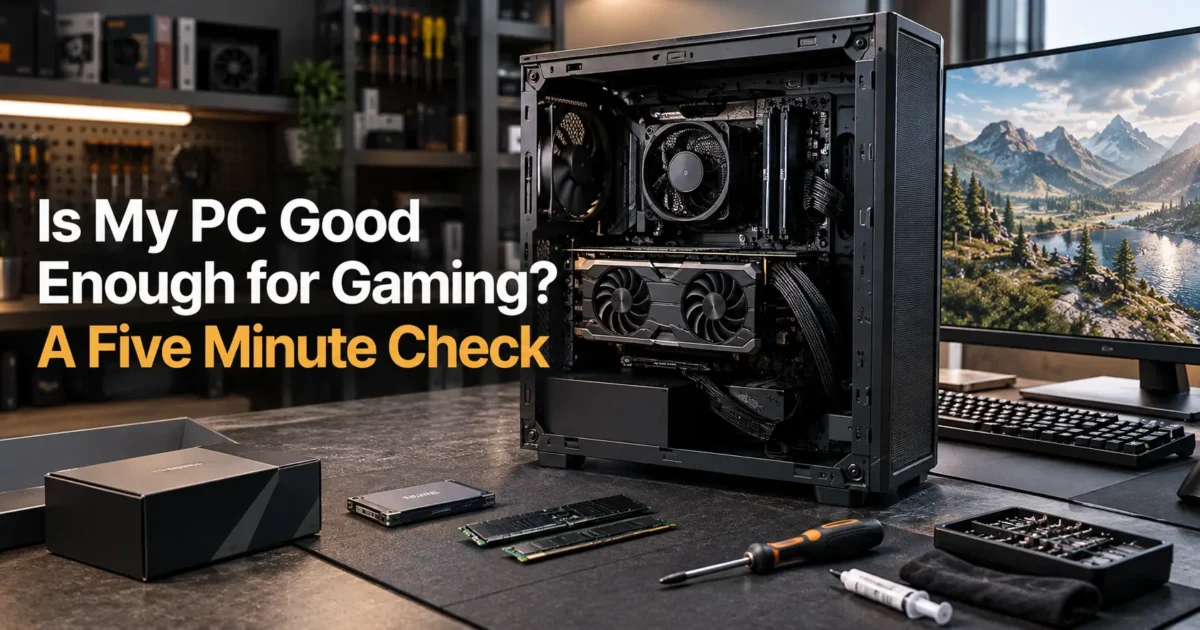
Someone gives you a PC. Or you find one in a cupboard. Or you have been gaming on a laptop and wondering whether the desktop under the desk would do better.
You open the specifications and find a string of model numbers that mean nothing. Intel Core i5-10400. GTX 1660 Super. 16GB DDR4.
Good enough for what, exactly? That is the question nobody answers, because good enough depends entirely on which games you want to play and at what resolution.
Here is the shortcut that saves most of the confusion. Your graphics card decides roughly 80 percent of your gaming experience. Everything else either supports it or gets in its way.
This guide gives you a five minute check, honest expectations for each hardware tier, and the cheap fixes that frequently turn a disappointing machine into a decent one.
The honest summary
You will finish knowing exactly what your machine can and cannot run, and whether spending anything is worthwhile.
I cover how to find your specifications without opening the case, what each component tier realistically delivers, the three cheap upgrades that return the most, and when a machine is genuinely past saving.
One opinion worth stating early. Plenty of machines people write off are fine. The most common problem I see is not weak hardware but a single memory stick, a disabled memory profile, or a thermally choked case full of dust.
What this skips: laptops with soldered graphics and console comparisons. Prices reflect September 2026 and move weekly.
How do you check if your PC is good enough for gaming?
Find your graphics card, processor and memory, then compare them against the games you want to play at your monitor resolution. Press Windows and R, type dxdiag, and press Enter. That single screen lists everything you need in about thirty seconds.
- Press Windows and R together, type dxdiag, press Enter.
- Read the processor and memory on the System tab.
- Click the Display tab for your graphics card name.
- Open Task Manager, click Memory, and check slots used.
- Note your monitor resolution from Display settings.
Step four matters more than people expect. One stick instead of two halves your memory bandwidth and causes stutter that looks like a weak processor.
What can each graphics card tier actually run?
Your graphics card sets the ceiling. Cards from the GTX 1060 era handle older and lighter titles at 1080p. Anything from the RTX 3060 generation onward comfortably runs current games at 1080p, and the newest mid range cards manage 1440p well.
| Your card | Realistic target | Modern games | Worth upgrading? |
|---|---|---|---|
| Integrated graphics | Light and older titles | Low settings, 30 fps | Yes, biggest single gain |
| GTX 1050 or 1650 | 1080p low to medium | Playable, not pretty | Yes if budget allows |
| GTX 1660 or RTX 2060 | 1080p medium to high | Fine at 60 fps | Optional |
| RTX 3060 or RX 6600 | 1080p high, 1440p medium | Comfortable | No, still capable |
| RTX 4060 or better | 1440p high | Strong | No |
Notice that the first row is where the biggest improvement sits. Moving from integrated graphics to almost any dedicated card transforms the machine.
Is your processor holding you back?
Four cores is now the floor and six is comfortable. A processor from 2018 onward with six cores will keep most mid range cards fed at 1080p. Older four core chips cause stutter in modern titles regardless of which graphics card you fit.
The symptom is distinctive. Your average frame rate looks acceptable but collapses in crowded areas, cities, or large multiplayer fights.
Confirm which component actually limits you before spending anything, using our bottleneck calculator with your exact parts and resolution.
If it names the processor, our guide on fixing a processor bottleneck lists several fixes that cost nothing at all.
How much RAM do you need for gaming?
Sixteen gigabytes is the practical standard and 8GB now causes stutter in several modern titles. More important than capacity is configuration. Two matched sticks running in dual channel will outperform a single larger stick by a wide margin.
This is the single cheapest meaningful upgrade available to most people. A second matching stick often costs under 40 dollars.
Check your speed on the same Task Manager screen. Kits sold at 3200 frequently run at 2133 until you enable the profile in the BIOS.
Can your PC run a specific game?
Compare your parts against the recommended specification rather than the minimum. Minimum requirements describe the lowest settings at 30 frames per second, which most people find uncomfortable. Recommended usually means 1080p at 60 frames on medium to high.
Treat minimum as a warning rather than a target. Meeting it exactly means a poor experience.
Estimate the frame rate your pairing should produce with our FPS calculator before buying a game you are unsure about.
What are the cheapest upgrades that actually help?
A second memory stick, an SSD if you still run a mechanical drive, and a thorough dust clean. Those three together often cost under 100 dollars and transform a machine that felt broken into one that feels normal.
- Second RAM stick. Under 40 dollars, often 10 to 25 percent more frames.
- SSD. Around 40 dollars, transforms loading and general responsiveness.
- Dust clean and fresh paste. Free to 10 dollars, stops thermal throttling.
- Enable the memory profile. Free, five minutes in the BIOS.
- Update graphics drivers. Free, occasionally worth double digit gains.
Do all five before considering a graphics card. People skip them constantly and then buy hardware they did not need.
When is a PC genuinely not worth upgrading?
When the processor is older than about 2017, the motherboard takes only DDR3 memory, or the power supply cannot feed any modern graphics card. At that point each upgrade forces another, and you are rebuilding the machine one part at a time at a higher total cost.
The power supply is the quiet dealbreaker in office machines. Many prebuilt desktops ship with 300 watt units that cannot run a dedicated card at all.
Check your headroom with our power supply calculator before buying any card, because this catches people out more than any other specification.
Does your monitor change the answer?
Completely. A modest machine driving a 1080p 60 hertz monitor can be entirely adequate, while the same machine behind a 1440p 144 hertz panel will feel slow. Your monitor sets the target your hardware has to hit.
Check your resolution and refresh rate before judging the machine. People frequently blame hardware for failing to drive a panel they bought later.
If your monitor is 60 hertz, anything above 60 frames is wasted. That alone changes which upgrades make sense.
What about prebuilt and office PCs?
Office machines usually have three obstacles. A small power supply, a case too short for a modern card, and a single memory stick. All three are fixable, but together they can cost more than the machine is worth.
Measure before buying anything. Card length and slot thickness stop more upgrades than compatibility ever does.
Our guide on what actually has to match in a build covers the four checks that decide whether a card will fit and run.
What mistakes do people make assessing their PC?
They judge by age rather than parts, they compare against minimum requirements, and they skip the free fixes entirely. A 2019 machine with two memory sticks and clean filters often beats a 2022 machine with one stick and a dust blocked cooler.
Age is a poor proxy. A six year old mid range card still outruns a two year old entry level one.
Check the parts, run the free fixes, then decide. Price any upgrade properly in our PC builder before committing.
Frequently asked questions
Is my PC good enough for gaming?
Asking is my pc good for gaming starts with the graphics card, since it decides roughly 80 percent of your experience. Anything from the RTX 3060 generation onward handles current games at 1080p comfortably. Press Windows and R, type dxdiag, and read the Display tab to find yours.
How do I check my PC specs for gaming?
Press Windows and R, type dxdiag and press Enter. The System tab lists your processor and memory, and the Display tab names your graphics card. Then open Task Manager and check how many memory slots are actually in use.
Can my PC run modern games?
Compare your parts against the recommended specification rather than the minimum. Minimum describes lowest settings at 30 frames, which most people dislike. Recommended usually means 1080p at 60 frames on medium to high settings.
Is 8GB of RAM enough for gaming in 2026?
It causes stutter in several modern titles. Sixteen gigabytes is the practical standard now. Configuration matters more than capacity though, since two matched sticks in dual channel beat a single larger stick by a wide margin.
What is the cheapest upgrade to improve gaming performance?
A second matching memory stick, usually under 40 dollars, often returns 10 to 25 percent more frames if you are running a single stick. After that, an SSD and a thorough dust clean deliver the most for the least money.
Is my CPU or GPU more important for gaming?
The graphics card matters more for most people, especially at 1440p and 4K. The processor becomes decisive at 1080p with a fast card, and in simulation or strategy games that track many objects regardless of resolution.
When is a PC too old to upgrade?
When the processor predates roughly 2017, the board takes only DDR3 memory, or the power supply cannot feed a modern card. At that point every upgrade forces another, and rebuilding piecemeal costs more than starting fresh.
Can I game on integrated graphics?
Lighter and older titles, yes, usually at low settings and around 30 frames. Modern demanding games will struggle. Moving from integrated graphics to almost any dedicated card is the single biggest improvement available.
Will a new graphics card fix my low FPS?
Only if the card is actually your limit. Check load during gameplay first. If your card already sits near 100 percent, a faster one helps. If it sits at 60 percent while a processor core is pinned, the money belongs elsewhere.
Is a prebuilt office PC good enough for gaming?
Rarely without changes. Office machines usually have a small power supply, a case too short for a modern card, and a single memory stick. All are fixable, but together the cost can exceed what the machine is worth.
Will upgrading Windows improve gaming performance?
Marginally. Newer versions handle scheduling and storage slightly better, but the difference is small. A clean install on an old cluttered machine helps considerably more than the version number does.
Do I need a gaming monitor to benefit from an upgrade?
If your monitor is 60 hertz, anything above 60 frames is invisible to you. Upgrading hardware without upgrading the panel wastes much of the gain, which is why the monitor often deserves the budget first.
Is my laptop good enough for gaming?
Check the graphics specification rather than the processor. Laptops with integrated graphics only handle lighter titles. Those with a dedicated card are judged the same way as desktops, though power limits matter enormously.
The practical answer
Back to that i5-10400 and GTX 1660 Super. That machine plays almost everything at 1080p on medium to high settings, and it will keep doing so for a while.
So before you judge yours, run dxdiag, check your memory slots, clean the dust out, and enable your memory profile. Those four steps cost nothing and settle the question honestly.
Where to begin takes five minutes. Find your three parts, note your monitor resolution, then check the pairing rather than guessing from the age of the box.
What card are you running, and what resolution is your monitor?
Related reading
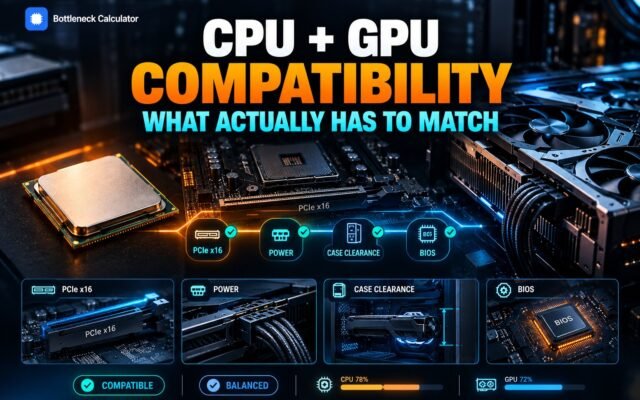
CPU and GPU Compatibility: What Actually Has to Match
Your cart holds an RTX 5070. Your machine runs a Ryzen 5 3600 from 2019. The card costs more than the rest of the system combined, and you…
Read more about CPU and GPU Compatibility: What Actually Has to Match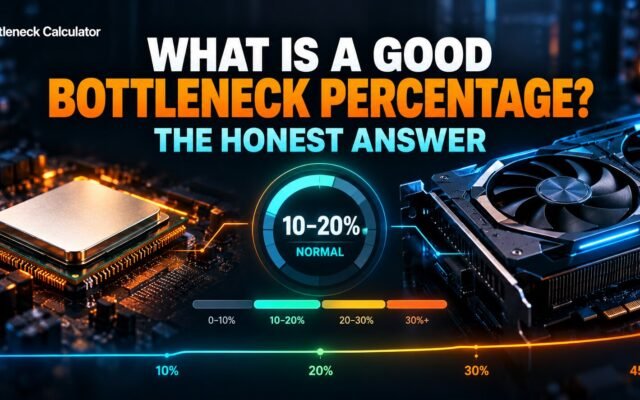
What Is a Good Bottleneck Percentage? The Honest Answer
You type your parts into a bottleneck calculator. It returns 18 percent and colours it orange. Your stomach drops. So you open three more calculators. One says 4…
Read more about What Is a Good Bottleneck Percentage? The Honest Answer