Best CPU Cooler for Ryzen 7 9800X3D (Air Is Enough)
 Tayyab Rehman
6 min read
Tayyab Rehman
6 min read
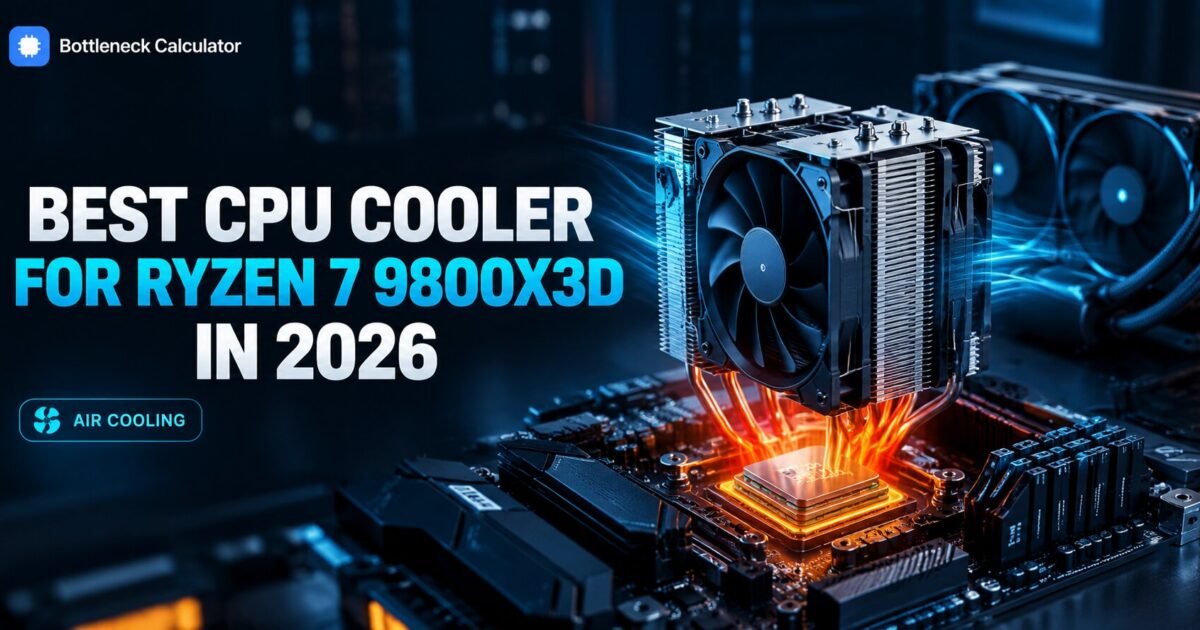
The 9800X3D has a 120 watt package power target. By modern standards that is modest, well below the flagship Intel chips that pull past 250.
So why does it run warmer than that number suggests, and why does every build guide tell you to budget seriously for cooling?
Because of where the heat is generated and what sits above it. The stacked cache layer sits between the compute cores and the heat spreader, which slows how quickly heat moves out of the chip. The wattage is low. The thermal density is not.
The practical result is that this chip needs a proper cooler but not an extreme one, and it ships without any cooler at all.
This guide covers what cooling it actually needs, whether liquid is worth it, and the temperature figures worth worrying about.
Quick summary
You will finish knowing what to budget, whether air or liquid makes sense, and what temperatures are normal rather than alarming.
I cover why this chip runs warm despite modest power draw, air versus liquid cooling, clearance considerations, and the PBO settings that change the thermal picture.
My position. A good dual tower air cooler is enough for this processor. Liquid cooling looks better and is quieter under sustained load, but it is a preference rather than a requirement here.
Not covered here: custom loops and sub ambient cooling. Prices reflect September 2026 and move weekly.
What is the best CPU cooler for 9800X3D builds?
The right 9800X3D cooler is a quality tower air model in the 40 to 80 dollar range, which handles this processor comfortably at stock settings. A 240mm liquid cooler offers slightly lower temperatures and quieter operation under sustained load, but it is not necessary for stability or performance.
| Cooler type | Approx price | Typical load temp | Verdict |
|---|---|---|---|
| Stock cooler | Not included | n/a | Chip ships bare |
| Budget single tower | $25 to $40 | 80 to 88C | Workable, runs warm |
| Quality dual tower air | $40 to $80 | 70 to 80C | Recommended |
| 240mm liquid | $80 to $130 | 65 to 75C | Quieter, optional |
| 360mm liquid | $130 to $200 | 62 to 72C | Overkill for this chip |
The gap between the middle rows is small. Going from good air to a large liquid cooler buys a handful of degrees on a chip that was never thermally limited anyway.
Why does this chip run warm at only 120 watts?
The stacked cache layer sits between the cores and the heat spreader, adding thermal resistance. Heat generated in a small area has to travel through more material before reaching the cooler, which raises the measured temperature even though total heat output is modest.
Think of it as insulation in the wrong place. The heat is not excessive, it just struggles to leave.
Our explainer on how stacked cache works covers why AMD accepted that trade, and why the gaming benefit justifies it.
Is air cooling enough for the 9800X3D?
Yes, comfortably. Air cooling for 9800X3D builds works well, and a dual tower model keeps this processor in the seventies under gaming load in a normally ventilated case. Air coolers also avoid pump failure as a risk and typically outlast liquid units.
Gaming load is lighter than sustained rendering anyway. Games rarely load every core continuously, which is the workload that actually stresses cooling.
If you also render or compile regularly, liquid cooling becomes more attractive for noise reasons rather than stability ones.
What 9800X3D temperature is normal?
Seventy to 80 degrees under gaming load is entirely normal on a good air cooler. The chip is rated to run safely up to 95 degrees, where it begins reducing clocks to protect itself. Anything in the seventies needs no action at all.
People panic at numbers that are completely within specification. A processor sitting at 78 degrees in a game is working exactly as designed.
Worry only if you see sustained figures above 90, or a frame rate that sags noticeably after ten minutes of play.
Will your existing AM4 cooler fit?
Usually yes, since AM5 uses the same mounting hole spacing as AM4. Most coolers transfer directly, and manufacturers that require a bracket kit normally supply one free on request. Check your specific model before assuming.
This saves real money on a platform upgrade. The cooler is one of the few parts that genuinely carries across.
Our comparison of AM4 against AM5 covers what else transfers and what does not.
Does PBO change your cooling requirements?
Yes, meaningfully. Precision Boost Overdrive lets the chip draw more power and run hotter in exchange for small performance gains. On a stacked cache processor those gains are limited, so enabling it mainly buys you heat.
The core multiplier is locked on this chip anyway, which removes the usual overclocking route entirely.
Tune memory instead. A proper EXPO profile with two matched sticks returns more than any thermal headroom you could unlock.
What about case clearance and memory height?
Large dual tower coolers often reach 160 to 170mm tall and can overhang the first memory slot. Check your case height limit and your memory heatsink height before ordering, since tall memory and big coolers conflict regularly.
- Case height limit. Listed in the case specification, usually 155 to 175mm.
- Memory clearance. Low profile kits avoid the problem entirely.
- Radiator space. For liquid, check top and front mounting options.
- Graphics card gap. Rarely an issue with tower coolers.
Price the full build in our PC builder so cooling is planned rather than discovered during assembly.
What mistakes do people make cooling this chip?
They buy a 360mm liquid cooler for a 120 watt processor, they panic at temperatures that are entirely normal, and they forget the chip ships without any cooler and blow their budget.
The overspending is the common one. This processor does not reward expensive cooling the way a high wattage Intel flagship does.
Spend the difference on your graphics card, which actually changes frame rates. Our motherboard guide makes the same argument about board tiers.
Frequently asked questions
What cooler does the 9800X3D need?
A quality tower air cooler in the 40 to 80 dollar range handles it comfortably at stock settings. A 240mm liquid cooler runs slightly cooler and quieter under sustained load, but it is not required for stability or performance.
Does the 9800X3D come with a cooler?
No, it ships bare like most high end AMD gaming chips. Budget 40 to 80 dollars for cooling as part of the purchase, since people routinely forget this and find their build budget short at the end.
Is air cooling enough for the 9800X3D?
Yes, comfortably. A good dual tower air cooler keeps it in the seventies under gaming load in a normally ventilated case. Air also avoids pump failure as a risk and typically outlasts liquid units.
Why does the 9800X3D run hot at only 120 watts?
The stacked cache layer sits between the cores and the heat spreader, adding thermal resistance. Heat from a small area travels through more material before reaching the cooler, raising measured temperature despite modest total output.
What temperature is normal for the 9800X3D?
Seventy to 80 degrees under gaming load on a good air cooler is entirely normal. The chip runs safely to 95 degrees before reducing clocks. Anything in the seventies requires no action whatsoever.
Will my AM4 cooler fit the 9800X3D?
Usually yes, since AM5 uses the same mounting hole spacing as AM4. Most coolers transfer directly and manufacturers requiring a bracket normally supply one free. Check your specific model to be certain.
Do I need a 360mm AIO for the 9800X3D?
No, that is overkill for a 120 watt processor. The temperature difference between good air cooling and a 360mm liquid cooler is a handful of degrees on a chip that was never thermally limited anyway.
Where this leaves you
Buy a quality dual tower air cooler between 40 and 80 dollars, check it clears your case and memory, and stop thinking about it.
Seventy to 80 degrees in games is normal and healthy for this chip. The warm readings are a consequence of where the cache sits, not a sign that anything is wrong.
Your next step is to check your case height limit and memory clearance before choosing a model.
What case are you building in, and what are you seeing on the temperature readout now?
Related reading
Best CPU for RTX 5080 (Depends on Your Resolution)
You are about to spend roughly a thousand dollars on an RTX 5080. The processor question is the one that decides whether that money does anything. Pair it…
Read more about Best CPU for RTX 5080 (Depends on Your Resolution)
CPU Benchmarks 2026: Why the Top Score Loses at Gaming
A Ryzen 9 5950X scores 45,249. A Ryzen 7 5800X3D scores 28,287. One is clearly 60 percent faster than the other. Except in games, where the 28,287 chip…
Read more about CPU Benchmarks 2026: Why the Top Score Loses at Gaming
AM4 vs AM5: Should You Upgrade in 2026?
Your B550 board still works. Your DDR4 kit still works. And a 5700X3D costs about 200 dollars. Or you could move to AM5. New board, new memory, new…
Read more about AM4 vs AM5: Should You Upgrade in 2026?