DDR4 vs DDR5 RAM: What Actually Changes for Gaming

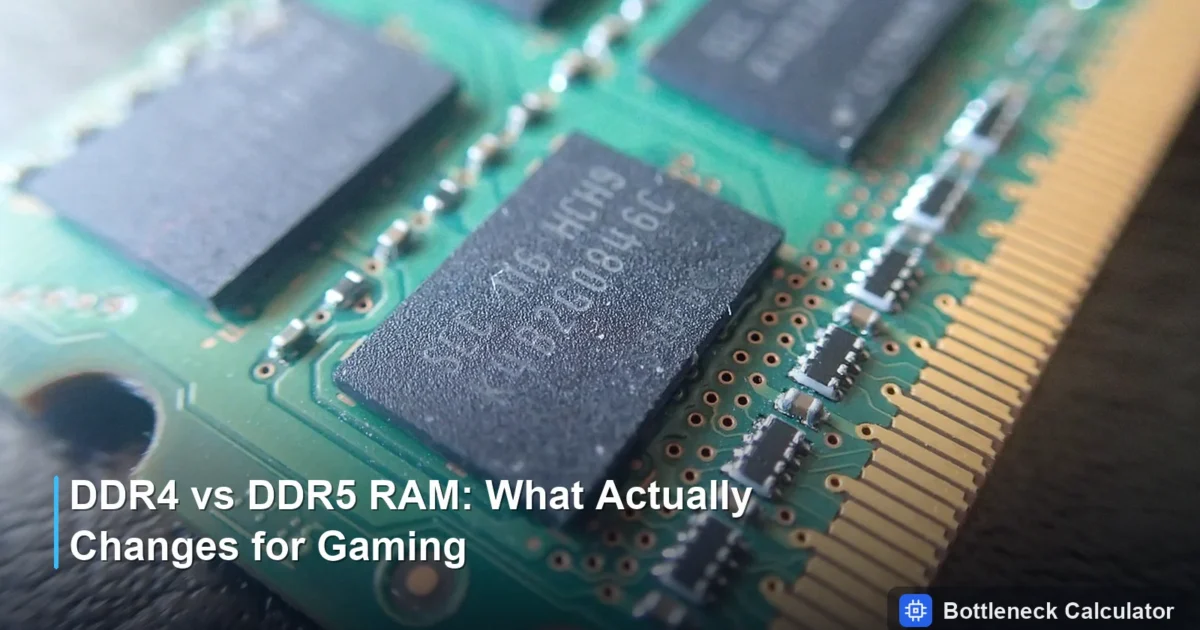
The DDR4 vs DDR5 RAM argument usually gets settled by whoever quotes the biggest number. DDR5 runs at 6000 and DDR4 runs at 3600, so DDR5 wins.
Except the DDR5 kit has worse latency, and latency is what games are sensitive to. So the gap in practice is far smaller than the gap on the box.
Here is what the DDR4 vs DDR5 RAM choice actually changes, what it is worth in frames, and the one question that matters more than the generation itself.
The honest summary
In games, at the same price, DDR5 is worth roughly 3 to 8 percent over DDR4. At 1440p and 4K it is often under 3 percent, because the graphics card is doing the limiting.
You usually do not get to choose anyway. Your motherboard decides. AM5 boards take DDR5 only. AM4 boards take DDR4 only. Intel boards from the 12th and 13th generation take one or the other depending on the exact board, and newer Intel platforms are DDR5 only.
So the real question for most people is not which generation is better. It is whether moving to a platform that requires DDR5 is worth the cost of the whole platform, which our AM4 against AM5 comparison prices out in full.
They are physically different and cannot be mixed
This comes up constantly, so it goes near the top.
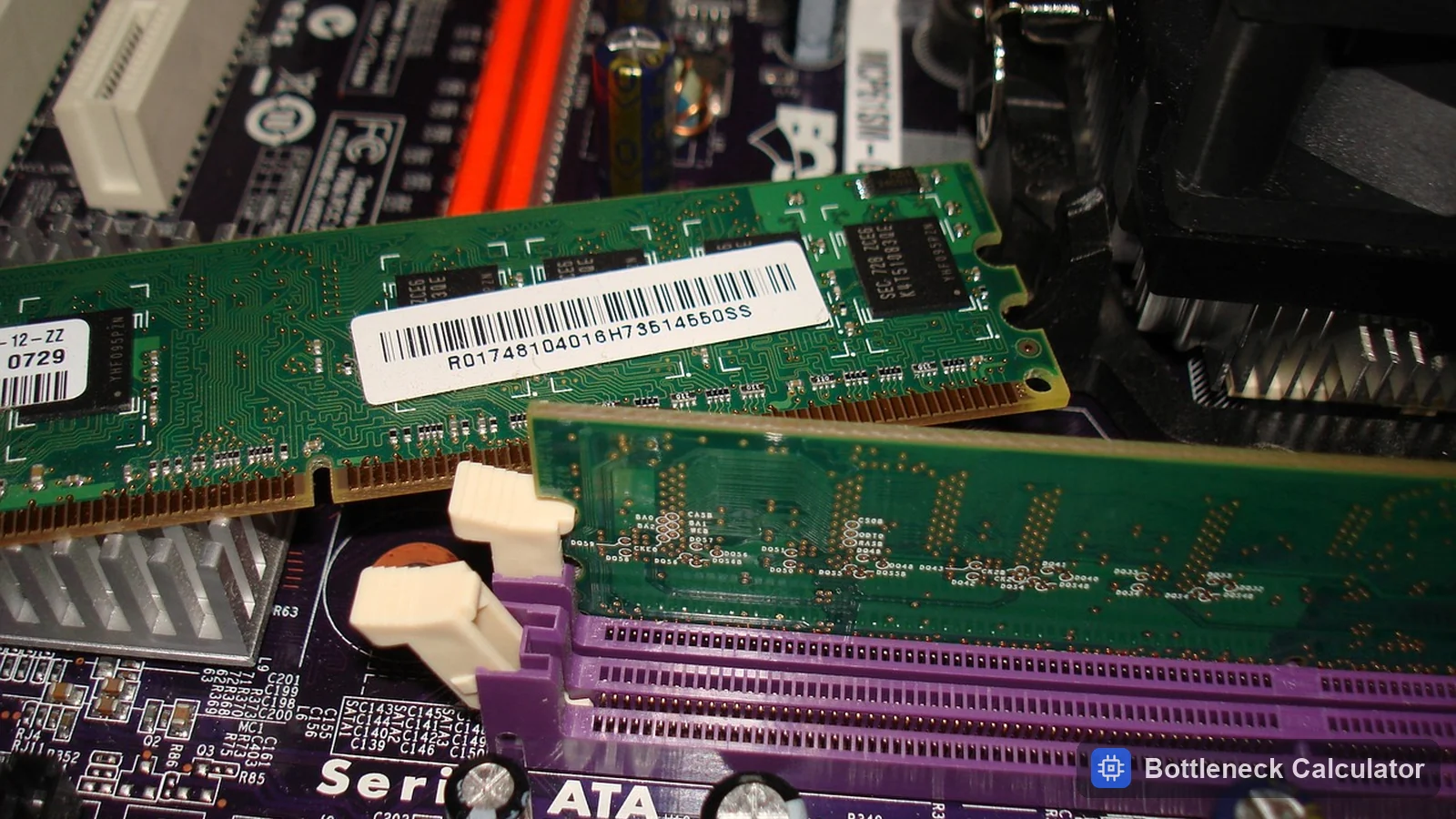
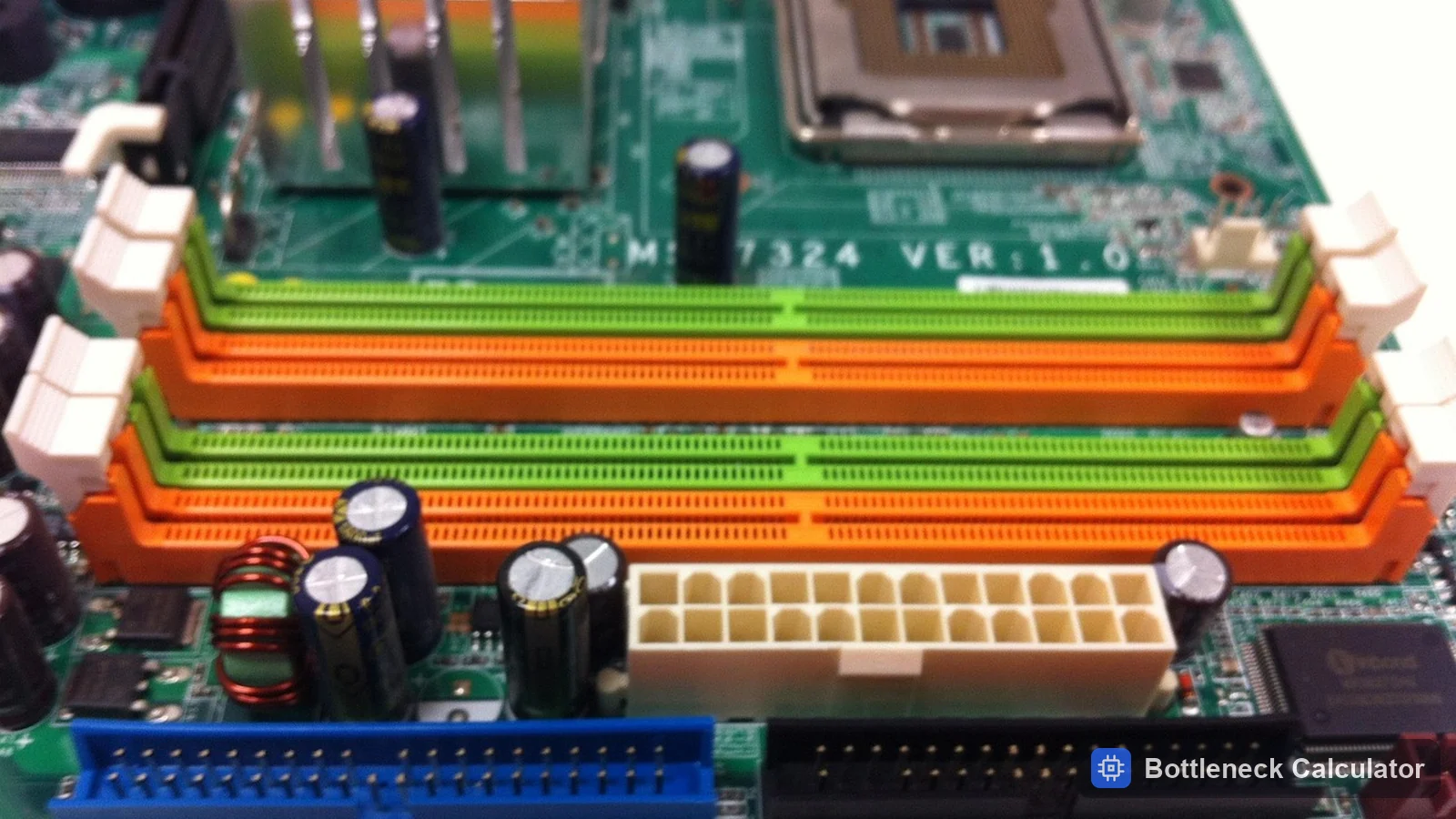
You cannot put a DDR5 stick in a DDR4 slot. The notch in the bottom edge sits in a different position, deliberately, so the stick will not seat. Forcing it damages the slot.
You cannot mix the two in one machine either. There is no board that accepts both at the same time, even the Intel boards that support both, because those ship in two versions and you pick one.
| Property | DDR4 | DDR5 |
|---|---|---|
| Pins | 288 | 288 |
| Notch position | different | different |
| Typical gaming speed | 3200 to 3600 | 6000 to 6400 |
| Typical CAS latency | CL16 | CL30 |
| True latency at those settings | about 8.9ns | about 10ns |
| Voltage regulation | on the motherboard | on the memory stick |
| Power management chip | none | on the stick |
| Error correction | optional | basic on die correction included |
| Channels per stick | one 64 bit | two 32 bit |
| Maximum sensible capacity | 128GB | 256GB and climbing |
The pin count being identical is why people try. The notch is the thing that stops them.
Why the big number is misleading
Memory performance is two things pulling against each other.
**Bandwidth** is how much data moves per second. DDR5 roughly doubles this. More bandwidth helps when something is streaming large amounts of data, such as integrated graphics, heavy multitasking, or professional work with big files.
**Latency** is how long you wait for the first byte after asking. This barely improved. DDR5 6000 CL30 has about the same true latency as DDR4 3600 CL16, and early DDR5 kits were worse.
Games are mostly latency sensitive. The processor asks for a small scattered piece of data, waits, then asks for another. Doubling the width of the pipe does not shorten the wait.
That is the whole reason a generational leap that doubles the headline figure produces single digit gains in games. It is also why extra processor cache helps games so much more than faster memory does, which our page on 3D V-Cache explains in detail.
What it is worth in actual frames
Measured at the same processor, same graphics card, same settings.
| Scenario | DDR4 3600 CL16 | DDR5 6000 CL30 | Difference |
|---|---|---|---|
| 1080p, strong graphics card, competitive shooter | baseline | plus 6 to 10 percent | noticeable |
| 1080p, mid range card | baseline | plus 3 to 5 percent | marginal |
| 1440p, strong card | baseline | plus 2 to 4 percent | marginal |
| 4K, any card | baseline | plus 0 to 2 percent | none |
| Simulation and strategy, late game | baseline | plus 5 to 12 percent | noticeable |
| Integrated graphics, no separate card | baseline | plus 20 to 40 percent | large |
| Video editing and large file work | baseline | plus 10 to 20 percent | real |
Two rows stand out. Integrated graphics gain enormously, because the graphics processor is sharing system memory and is genuinely starved of bandwidth. And simulation games gain more than shooters, for the same reason they gain from extra cache.
Everything else is small. If you are gaming at 1440p on a separate graphics card, the generation of your memory is not what is holding you back, and our guide to the best graphics card for 1440p is a better place to spend attention.
The question that actually matters: 16GB of DDR5 or 32GB of DDR4?
This is the comparison people face in real life, and the answer is clear.
**32GB of DDR4 wins, comfortably.**
Running out of memory is a cliff, not a slope. When a game needs more than you have, Windows pages to storage and the result is stuttering that no amount of bandwidth fixes. A 5 percent generational advantage is worthless against that.
In 2026, 16GB is the floor rather than the target. Several current releases will use 12 to 14GB on their own, and that is before Windows, a browser and a chat client. Our memory buying guide goes through the capacity question properly.
The same logic applies to 8GB of DDR5 against 16GB of DDR4. Take the capacity. It is not close.
Where it reverses: if both options give you enough, take the faster one. 32GB of DDR5 beats 32GB of DDR4. The rule is that capacity wins until capacity is sufficient, then speed matters.
Configuration beats generation
Three settings matter more than which generation you own, and all three are free.
**Dual channel.** Two sticks, in the correct slots, usually the second and fourth from the processor. A single stick halves your bandwidth and costs 10 to 20 percent in games. This is a bigger effect than DDR4 against DDR5.
**The memory profile.** Memory sold as DDR5 6000 runs at 4800 until you enable EXPO or XMP in BIOS. DDR4 3600 runs at 2133 until you do the same. A startling number of machines have never had it turned on, and they are leaving an entire generation of performance on the table.
**Two sticks rather than four.** Four sticks load the memory controller harder and often will not run at the rated speed, particularly on AM5. Buy one kit of two sticks.
Get those three right on DDR4 and you will beat a badly configured DDR5 machine without difficulty.
There is a simple way to check all three in under a minute. Open Task Manager, go to Performance, and select Memory. It reports the running speed, the slot count in use, and the total installed. If the speed shown is far below what you paid for, the profile is off. If the slots used reads one of four, you are running single channel. Both of those are free to fix and both are worth more than the generation you own.
How much memory do games actually use?
Worth separating from the DDR4 vs DDR5 RAM question entirely, because it is the part that changes your experience.
Current releases commonly reserve 10 to 14GB for themselves at high settings. Windows takes 3 to 4GB sitting idle. A browser with a dozen tabs takes 2 to 3GB. A chat client with hardware acceleration takes another gigabyte.
Add those up on a 16GB machine and you are at the edge before the game has loaded a busy area. That is where the stutter comes from, and it is why 32GB has become the sensible default rather than an enthusiast choice.
Video memory on the graphics card is a separate pool and a separate question. People conflate the two constantly. Our page on how much video memory you need covers that side, and what to buy for 1080p covers the cards where it bites first.
If you are not sure what your machine currently has, our guide to checking your hardware covers where to look.
What about DDR3?
If you are comparing DDR3 vs DDR4 vs DDR5, the machine in question is at least a decade old and the memory is not the problem.
DDR3 tops out around 1600 to 2133 in practice and sits on platforms with four cores and PCIe 3.0. Upgrading the memory on that machine is money spent on the wrong part. Our page on working out what your PC can actually run is the more useful starting point.
What to buy
| Platform | Buy | Approximate price |
|---|---|---|
| AM4 motherboard | 32GB DDR4 3600 CL16, two sticks | 65 to 85 |
| AM5 motherboard | 32GB DDR5 6000 CL30, two sticks | 95 to 120 |
| Intel, DDR4 board | 32GB DDR4 3600 CL16, two sticks | 65 to 85 |
| Intel, DDR5 board | 32GB DDR5 6000 CL30, two sticks | 95 to 120 |
| Integrated graphics, any | the fastest DDR5 the board supports | varies |
On AM5 specifically, 6000 CL30 is the target rather than the cheapest option. Above roughly 6400 the memory controller usually drops to a lower ratio, which makes a more expensive kit run slower in practice. AMD documents the supported configurations on its Ryzen desktop pages.
If you want specific kits, a 32GB DDR5 6000 CL30 kit and a 32GB DDR4 3600 CL16 kit are the two defaults almost everyone should land on. Independent memory scaling tests are covered regularly in the memory section at Tom’s Hardware.
Is DDR5 worth paying extra for?
As a standalone upgrade on a board that supports both, usually not for gaming. The 3 to 8 percent rarely justifies replacing working memory.
As part of a new build, yes, because you are not choosing. The platform chooses, and the newer platform is where the processors you want live.
As an upgrade path, yes. DDR5 is where capacities and speeds are still climbing. DDR4 is finished and prices on it will drift upward as production winds down, which is already happening.
The one case where DDR5 is genuinely transformative is a machine with no separate graphics card. There the memory is the graphics memory, and doubling bandwidth changes the experience completely.
Where memory sits in the bigger picture
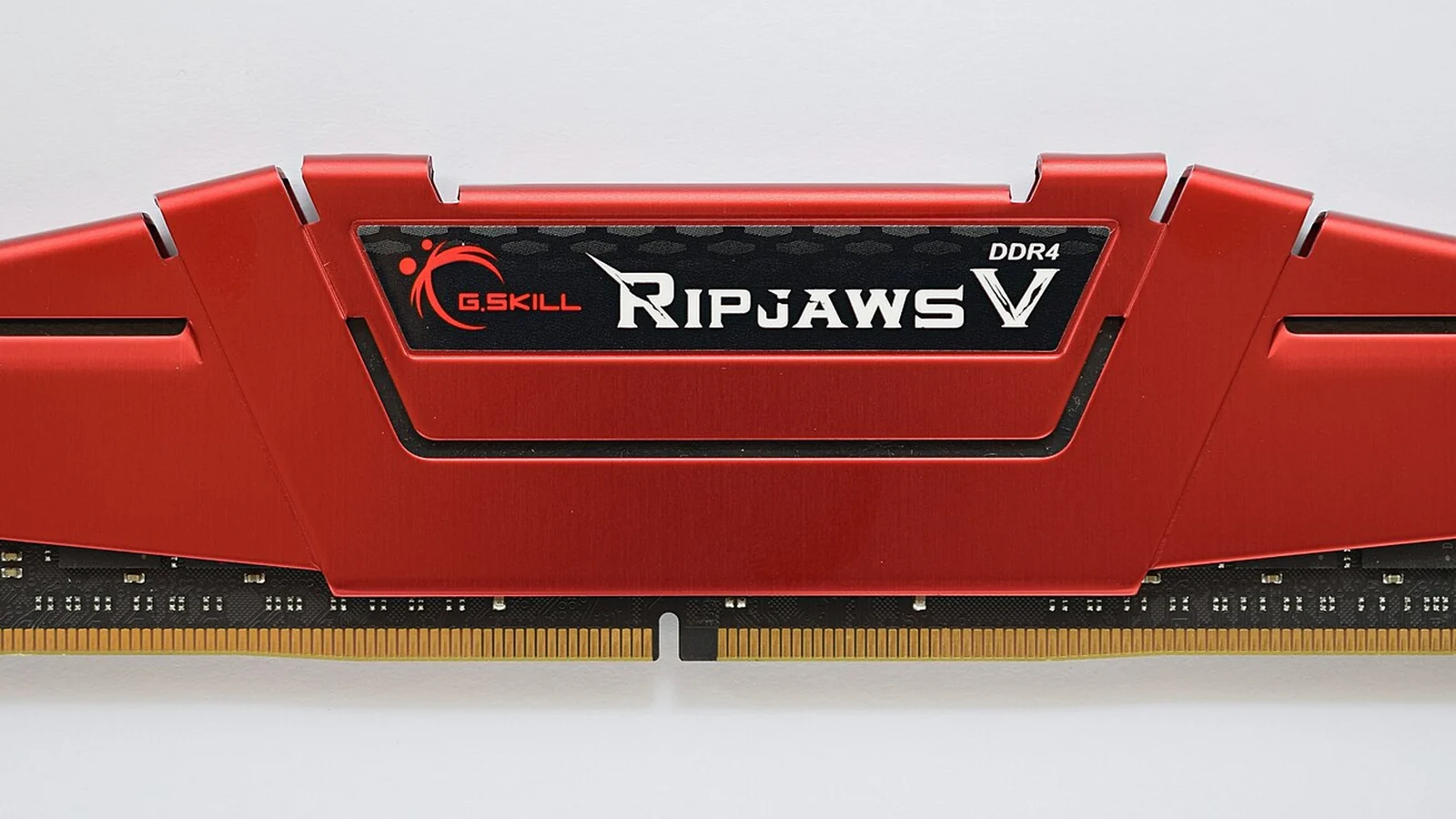
Memory is rarely the part that limits a gaming machine. Processor and graphics card come first, and the balance between those two is what determines frame rate in almost every case.
If you are trying to work out which part of your system to spend on, run your parts through the CPU and GPU bottleneck calculator before buying memory. Our guides to telling a processor limit from a graphics limit and fixing a processor bottleneck both list memory configuration as a step, and both put it below several free changes.
If you have concluded the processor is the limit, our processor buying guide and the best AM4 processors page are the next stops. If it is the card, start with your monitor rather than your budget.
Images: TobiasD, atomic37 and Pottlicht via Pixabay, plus ElooKoN (CC BY-SA 4.0) via Wikimedia Commons.
DDR4 and DDR5 questions
Can I put DDR5 RAM in a DDR4 motherboard?
No. The notch on the bottom edge sits in a different position, so the stick physically will not seat. No board accepts both generations, and no adapter exists. Forcing it damages the slot.
Is 16GB of DDR5 better than 32GB of DDR4?
No. Take the 32GB. Running out of memory causes stuttering that no amount of bandwidth fixes, and 16GB is the floor rather than the target in 2026. Capacity wins until capacity is sufficient.
How much faster is DDR5 for gaming?
Roughly 3 to 8 percent at 1080p with a strong graphics card, and often under 3 percent at 1440p and 4K. Simulation and strategy games gain more. Integrated graphics gain 20 to 40 percent because they share system memory.
Why is DDR5 latency worse than DDR4?
DDR5 improved bandwidth, not timing. CL30 at 6000 works out to roughly the same true latency as CL16 at 3600. Games are mostly latency sensitive, which is why a doubled headline figure produces single digit gains.
What speed DDR5 should I buy for AM5?
6000 at CL30. Above roughly 6400 the memory controller usually drops to a lower ratio, so a more expensive kit can run slower in practice. Two sticks rather than four.
Does DDR4 still make sense in 2026?
On an AM4 or DDR4 Intel board, absolutely. It is cheaper and the gaming difference is small. Do not buy a new DDR4 platform from scratch, since prices are drifting up as production winds down.
Do I need to enable XMP or EXPO?
Yes, and many people never have. Without it, DDR5 6000 runs at 4800 and DDR4 3600 runs at 2133. Turning on the profile in BIOS is free and worth more than the generation difference.
Is dual channel more important than DDR5?
Yes. A single stick halves memory bandwidth and costs 10 to 20 percent in games, which is larger than the gap between the two generations. Always buy a kit of two matched sticks.
Can I mix DDR4 and DDR5 in the same PC?
No. The slots are physically different and no motherboard has both types. Intel boards that support both ship in two separate versions and you choose one at purchase.
Should I upgrade from DDR4 to DDR5 for gaming?
Not on its own, since it means a new motherboard and usually a new processor too. As part of a planned platform upgrade it makes sense, because that is where current processors live.
Related reading
Best RAM for Gaming in 2026: DDR5 and DDR4 Picks That Make Sense
Memory is the part of a gaming PC where the marketing and the measurements agree least. Kits are sold on one number, the speed, printed in large text.…
Read more about Best RAM for Gaming in 2026: DDR5 and DDR4 Picks That Make Sense